
moadu Practical software for everyday life

Turn photos and PDFs into calendar events

moadu is a software company. Its first Android app, MOADU, finds multiple events in photos and PDFs. Review the details, then save the events to your chosen calendar.

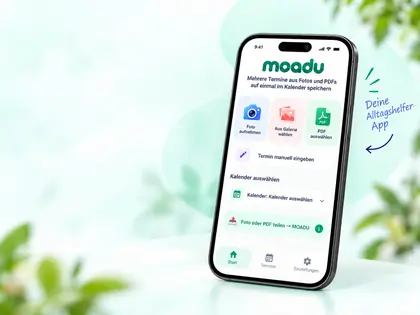
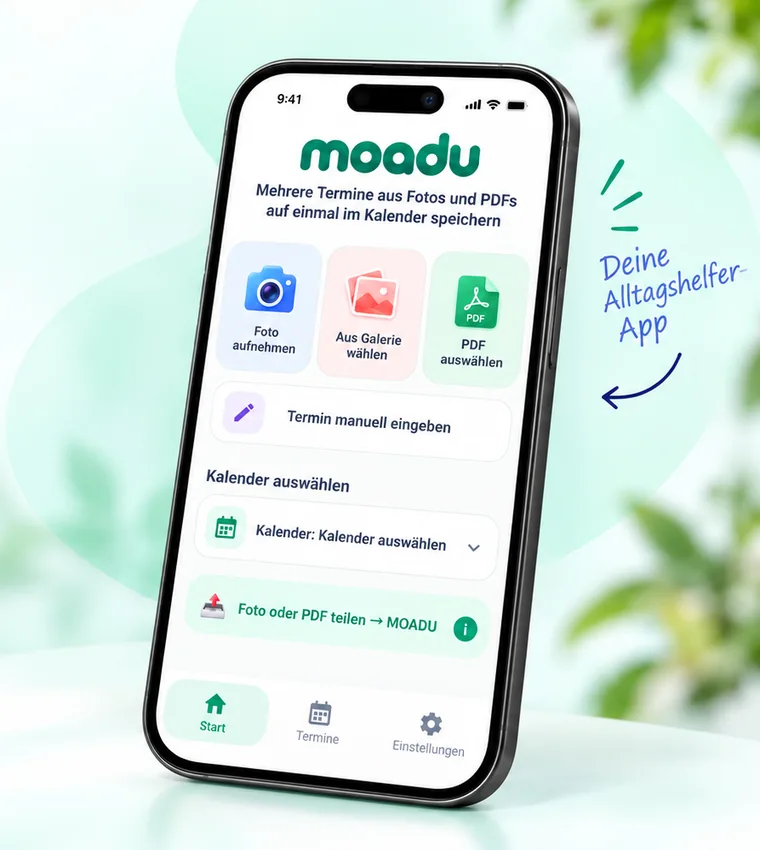
Illustration of the MOADU Android app showing photo, gallery, PDF and calendar options

Get started

Choose a feature to jump to its instructions

How MOADU works

Three easy steps for each feature, with more help if you need it

1

Take a photo

Photograph a schedule using your phone
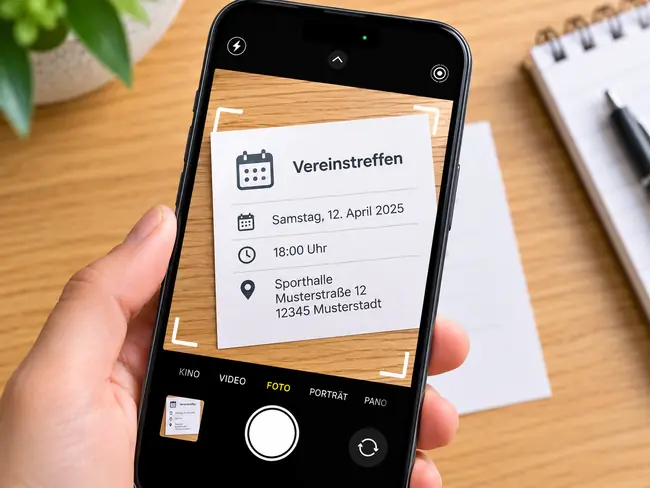
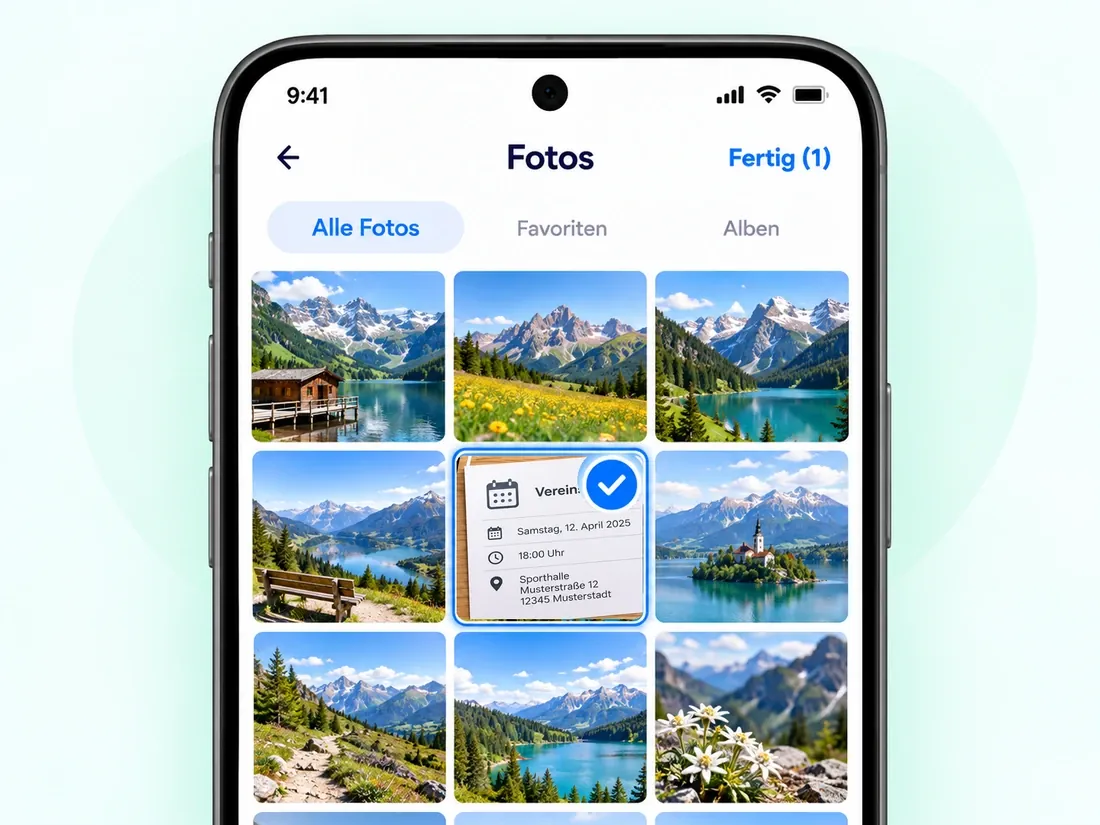
Example of photographing an event notice using a smartphone
  1. Open MOADU
  2. Take a photo
  3. Review and save events
Learn more

Make sure dates, times and text are readable. Check all extracted events before saving.

Hold your phone steady and photograph the entire schedule. If recognition fails, try a clearer image or better lighting.
3

Select a PDF

Choose a PDF document on your device

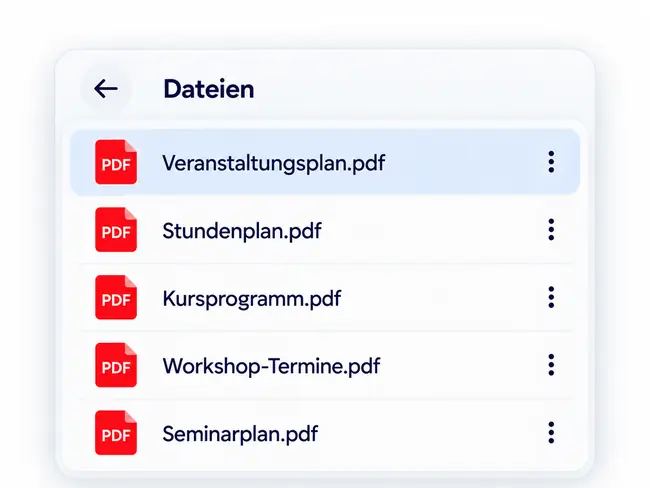
Example of selecting a PDF file from a file list
  1. Select a PDF
  2. Start analysis
  3. Review and save events
Learn more

With longer PDFs, check that all the events you need were found.

Select a document using Android's file picker. MOADU handles up to 50 events per analysis; split documents containing more events into smaller parts.

4

Share with MOADU

Send a photo or PDF from another Android app

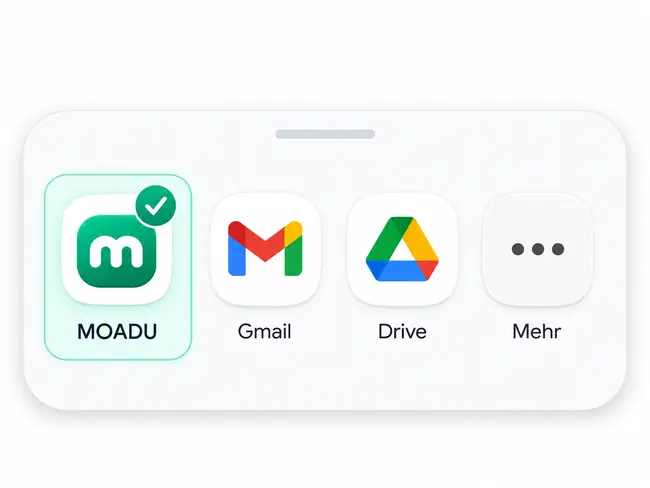
Example showing MOADU selected in the Android Share menu
  1. Tap Share in another app
  2. Select MOADU
  3. Review and save events
Learn more

If MOADU is not visible, expand the Share menu to see more apps.

Open the PDF or photo in email, Gallery or Files, tap Share and select MOADU. You can also save the file locally and share it from Files.

Choose language & calendar

Select your preferred language and the calendar where events will be saved

Setup guide
  1. Open Settings in MOADU and choose the language for the app and calendar events
  2. Select an active, available calendar on your Android device as the destination
  3. Grant calendar permission if Android asks, then verify the selected calendar before saving

To create a new Google calendar, use Google Calendar in your browser, then allow it to sync to your phone

Full English setup guide →

MOADU is coming to Google Play

Once released, you'll be able to download MOADU here or scan its QR code

Coming soon
MOADU phone illustration for the planned Google Play launch
  • Events from photos and PDFs
  • Easy to use
  • Clear and reliable workflow
  • Your everyday calendar helper